Prerequisites
This notebook reuses tables created by other example notebooks. Run them first:
Split tables
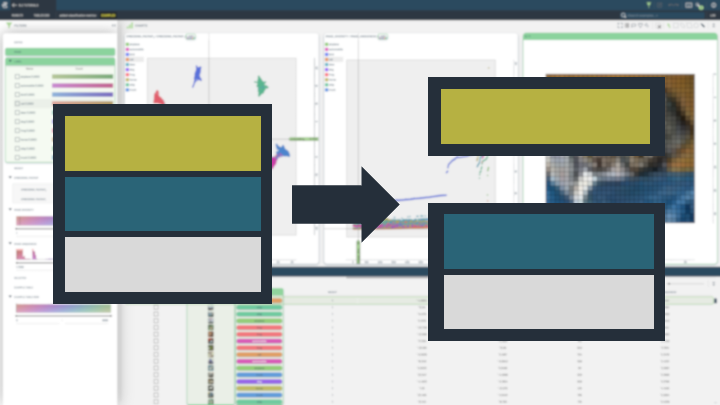
Datasets are commonly divided into splits for training, validation and testing. This notebook shows how a single Table can be divided into two or more such splits, with different strategies for how to split the data.
Install dependencies
[ ]:
INSTALL_DEPENDENCIES = True
[ ]:
if INSTALL_DEPENDENCIES:
    %pip install -q 3lc
    %pip install -q git+https://github.com/3lc-ai/3lc-examples.git
    %pip install -q seaborn
Imports
[ ]:
import matplotlib.pyplot as plt
import seaborn as sns
import tlc

from tlc_tools.split import split_table
Project setup
We will reuse the table from the notebook create-image-classification-table.ipynb.
[ ]:
PROJECT_NAME = "3LC Tutorials - Cats & Dogs"
DATASET_NAME = "cats-and-dogs"
TABLE_NAME = "initial-cls"

table = tlc.Table.from_names(
    table_name=TABLE_NAME,
    dataset_name=DATASET_NAME,
    project_name=PROJECT_NAME,
)
Random splitting
A simple strategy is to shuffle the data, and then randomly split the data. We use the function split_table from the tlc_tools package.
[ ]:
random_splits = split_table(
    table,
    splits={"train": 0.6, "val": 0.2, "test": 0.2},
    split_strategy="random",
    shuffle=True,
    random_seed=1,
)

random_splits
Let’s also check the distribution of the classes in the dataset.
Stratified sampling
One problem with random sampling is there is no guarantee the distribution of classes is consistent across classes. Notice how there are no cats in the test set! This is where stratified sampling comes in. In this case, the data is sampled such that the fraction of each class (or some other property of a row) is consistent across the splits.
Note that to use stratified sampling, we need to specify which column or property to split by. Here we select 1, which means the second element in a given row (which is the class index for this dataset).
[ ]:
splits_stratified = split_table(
    table=table,
    splits={"train": 0.7, "val": 0.3},
    split_strategy="stratified",
    split_by="label",  # Each row is a dict; split by the class index column
)

splits_stratified
Let’s verify that each split has both dogs and cats!
Sampling by traversal index
While stratified sampling is a good way of ensuring a consistent distribution of each class, many datasets have further imbalances inherent in the samples. One such example is a dataset where a small subset of images are taken at night, and we would like to ensure that each split gets some night-time images. We would like to ensure that such properties are also considered when splitting our dataset, and this is where sampling by traversal index comes in.
In order to sample by traversal index, we need to point at a column with embeddings. This could be from a pretrained model such as in add-embeddings, or with your own model. From this, the splits are created such that they are stratified with respect to the embeddings.
We first need a table with an embeddings column. We will reuse the reduced_0000 table created at the end of the add-embeddings.ipynb notebook, so make sure you have run that notebook first.
[ ]:
table_with_embeddings = tlc.Table.from_names(
    project_name="3LC Tutorials - COCO128",
    dataset_name="COCO128",
    table_name="reduced_0000",
)
[ ]:
table_with_embeddings[0]["embedding_pacmap"]
[ ]:
splits_traversal_index = split_table(
    table_with_embeddings,
    splits={"train_traversal_index": 0.8, "val_traversal_index": 0.1, "test_traversal_index": 0.1},
    split_strategy="traversal_index",
    split_by="embedding_pacmap",
)
[ ]:
These splits can be visualized in the 3LC Dashboard, but let’s also show them here in the notebook!
[ ]:
sns.set_theme()

for split_name, tbl in reversed(splits_traversal_index.items()):
    embeddings = [row["embedding_pacmap"] for row in tbl]
    plt.scatter(x=[x[0] for x in embeddings], y=[x[1] for x in embeddings], label=split_name)

plt.legend()
plt.show()