Categorical
Categorical data can take on one of a limited number of enumerated values.
In most applications, categoricals are used for ground truth and predicted class labels, either as standalone columns in classification tasks, or labels embedded within each instance in tasks like bounding box object detection.
Schema
Categorical labels are represented by a tlc.Schema<tlc.core.schema.Schema> with a value map, mapping class indices to
tlc.MapElements, containing the name, description and color of the fields, and
where the value is a numerical value with a number role set to "label". While the builtin
tlc.CategoricalLabelSchema can be used in most
cases, the full schema example can be used when further customization is desired.
categorical_schema = tlc.CategoricalLabelSchema(classes={0: "dog", 1: "cat"})
import tlc

value_map = {0.0: tlc.MapElement("dog"), 1.0: tlc.MapElement("cat")}
categorical_schema = tlc.Schema(
    value=tlc.Int32Value(
        value_map=value_map,
        value_min=0,
        value_max=1,
        number_role="label",
    ),
)
Visualization and Editing
In this example, the Label column is an editable categorical label column, with an enumerated mapping between numerical value and its string representation.
Edit a single label
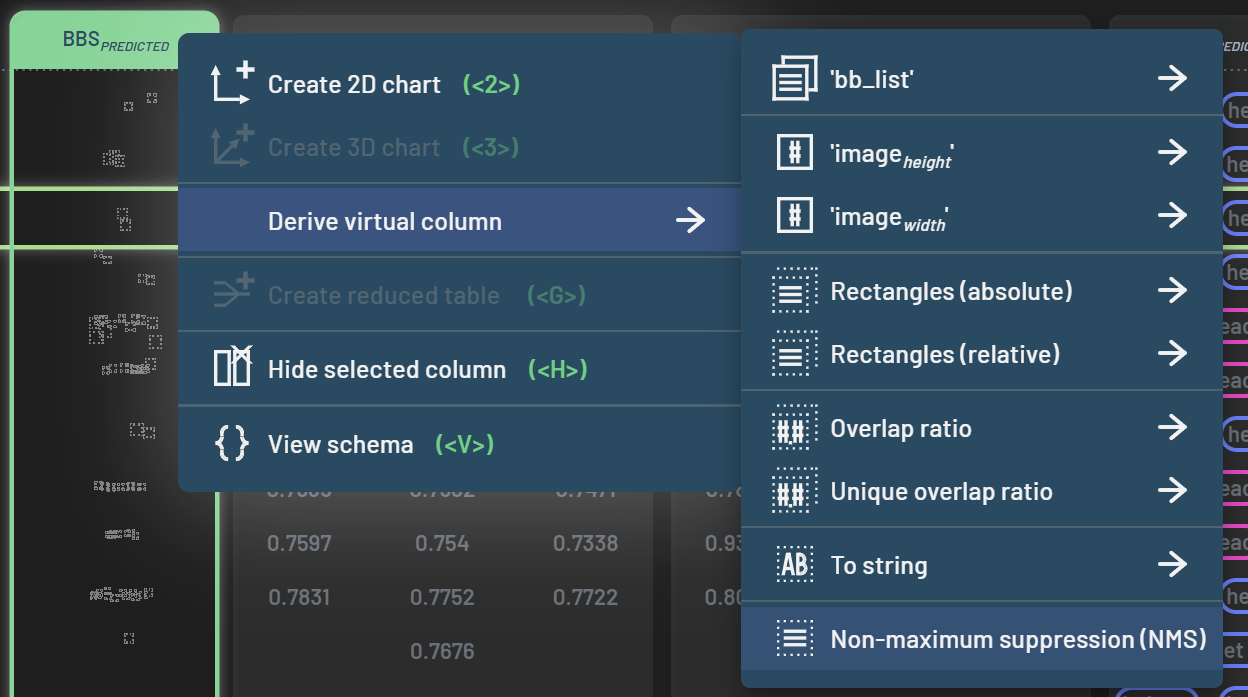
To edit a label, click on the label and choose the label that you want to change to in the popup window.
Edit multiple labels
To edit multiple samples at once, select the rows, click on the label in one of the selected rows, and choose the label to be changed to.
Assign label predictions
To assign the model’s predictions to the labels, follow these steps:
Filter on a single epoch if multiple epochs are recorded
Apply filters (e.g., accuracy=0), if applicable, to narrow down to the samples that you would like to assign predictions to labels for
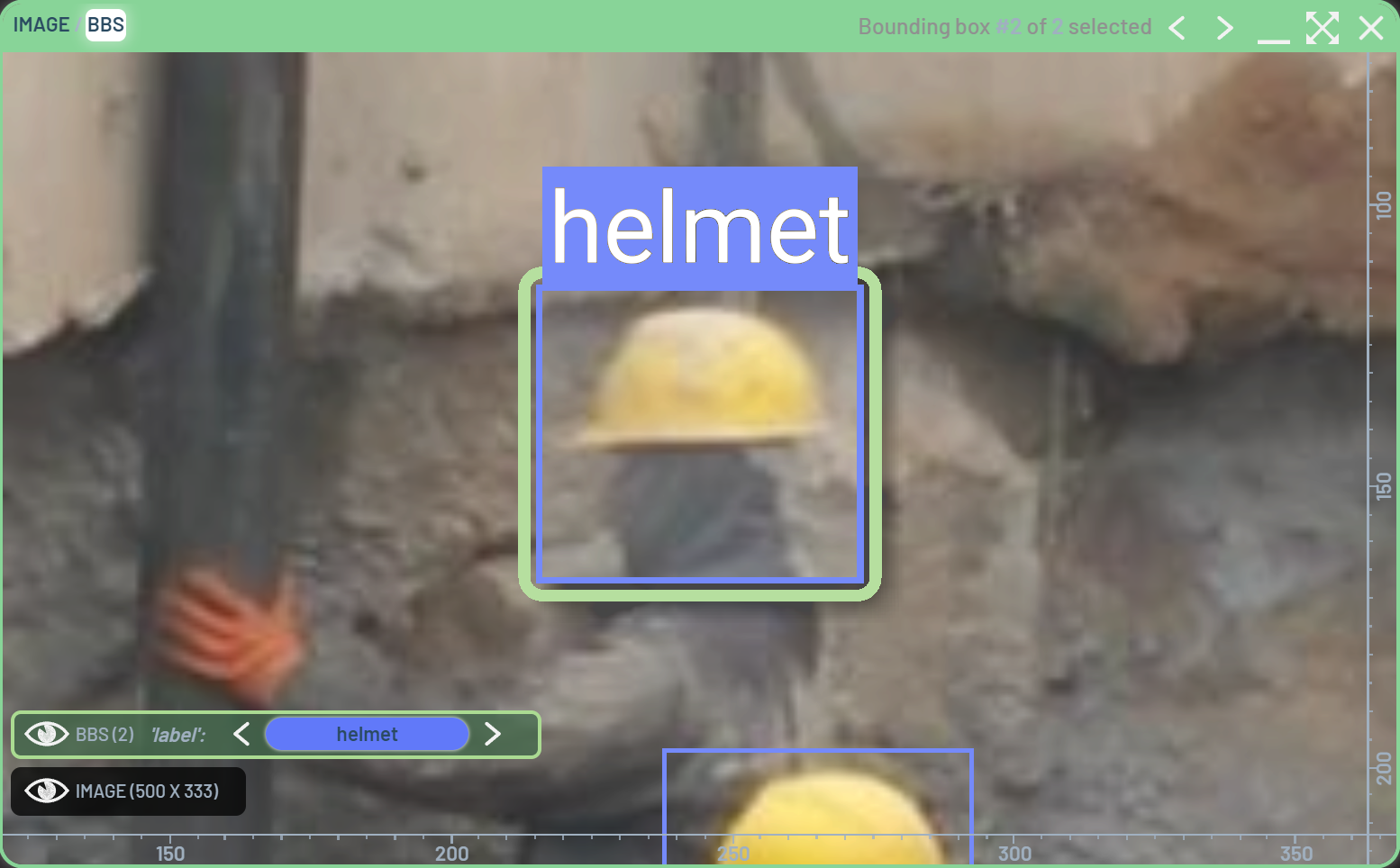
Click and drag the Predicted_Label header to the Label header (the receiver header turns yellow while dragging)
Operation: Assigning values from one column to another
Assigning values from one column to another is not only for labels, but also may be done for any compatible column pair. Columns are compatible if they have the same data type and the receiver is an editable column.
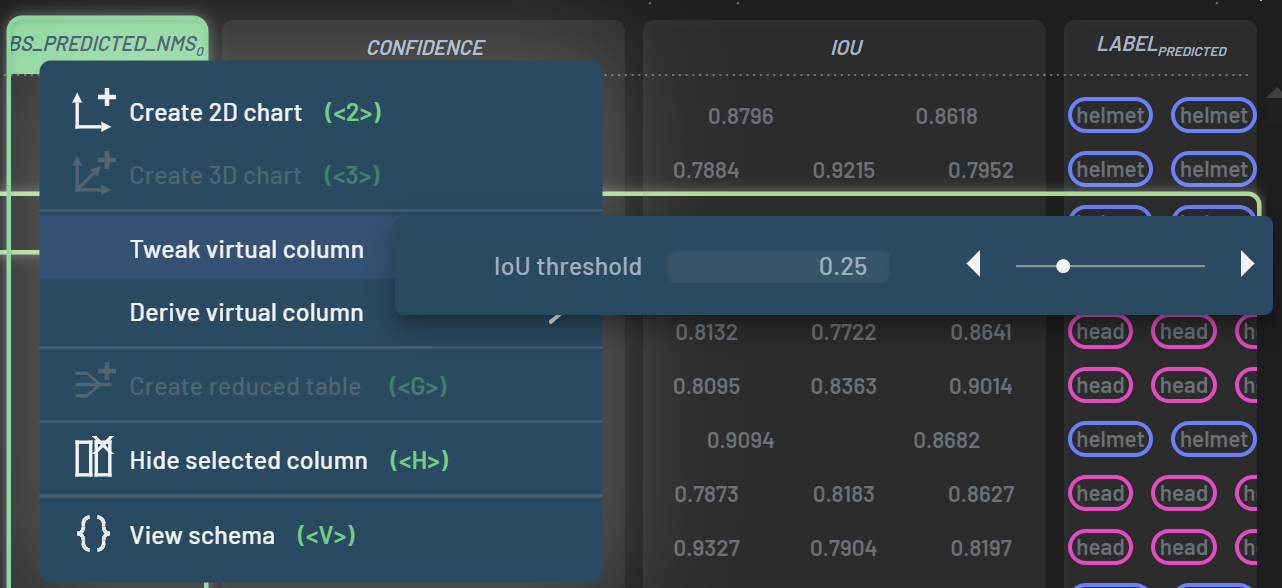
Here is an example of assigning Loss to Weight. This can be useful when you want to assign sample weights based on a metric like Loss.
Warning: One epoch for assigning operation
The assigning operation requires that only one epoch to be filtered in if multiple epochs are recorded. This is because the column to be assigned is a part of the dataset Table and each sample can only accommodate a single value. In contrast, metrics collected in a Run can be multi-values across epochs for a given sample. Therefore, assigning metrics from multiple epochs to a single sample would violate the properties of the Table.