Create Table from Image Folder
Create a 3LC Table from a folder structure containing images organized by class labels for image classification tasks.
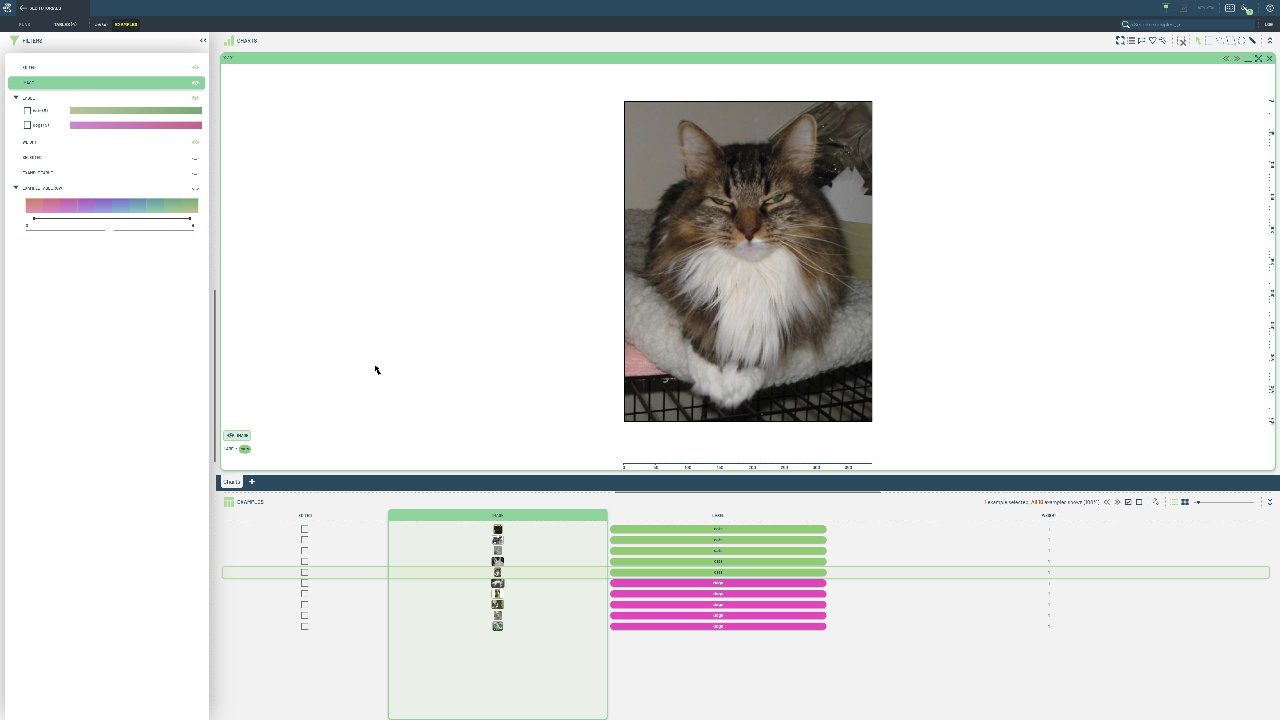
Image folder structures are a common way to organize classification datasets, following the PyTorch ImageFolder convention. This approach is ideal when you have images already sorted into subdirectories by their respective classes.
We use the tlc.Table.from_image_folder method to automatically create a table from a folder structure where each subfolder represents a class. The method reads the folder structure and creates appropriate image and label columns. It assumes a torchvision.ImageFolder-like structure:
cats-and-dogs/
    ├── cats/
    │   ├── cat1.jpg
    │   ├── cat2.jpg
    │   └── ...
    └── dogs/
        ├── dog1.jpg
        ├── dog2.jpg
        └── ...
The resulting table will have columns for images, labels, and an optional hidden weight column that won’t be visible in the table rows.
Project setup
[ ]:
DATA_PATH = "../../data"
PROJECT_NAME = "3LC Tutorials - Cats & Dogs"
DATASET_NAME = "cats-and-dogs"
TABLE_NAME = "initial-cls"
INSTALL_DEPENDENCIES = True
Install dependencies
[ ]:
if INSTALL_DEPENDENCIES:
    %pip install -q 3lc
Imports
[ ]:
image_folder = (Path(DATA_PATH) / "cats-and-dogs").absolute()

assert image_folder.exists()