Create Table from PyTorch Dataset
Convert a PyTorch Dataset into a 3LC Table using the built-in conversion method.
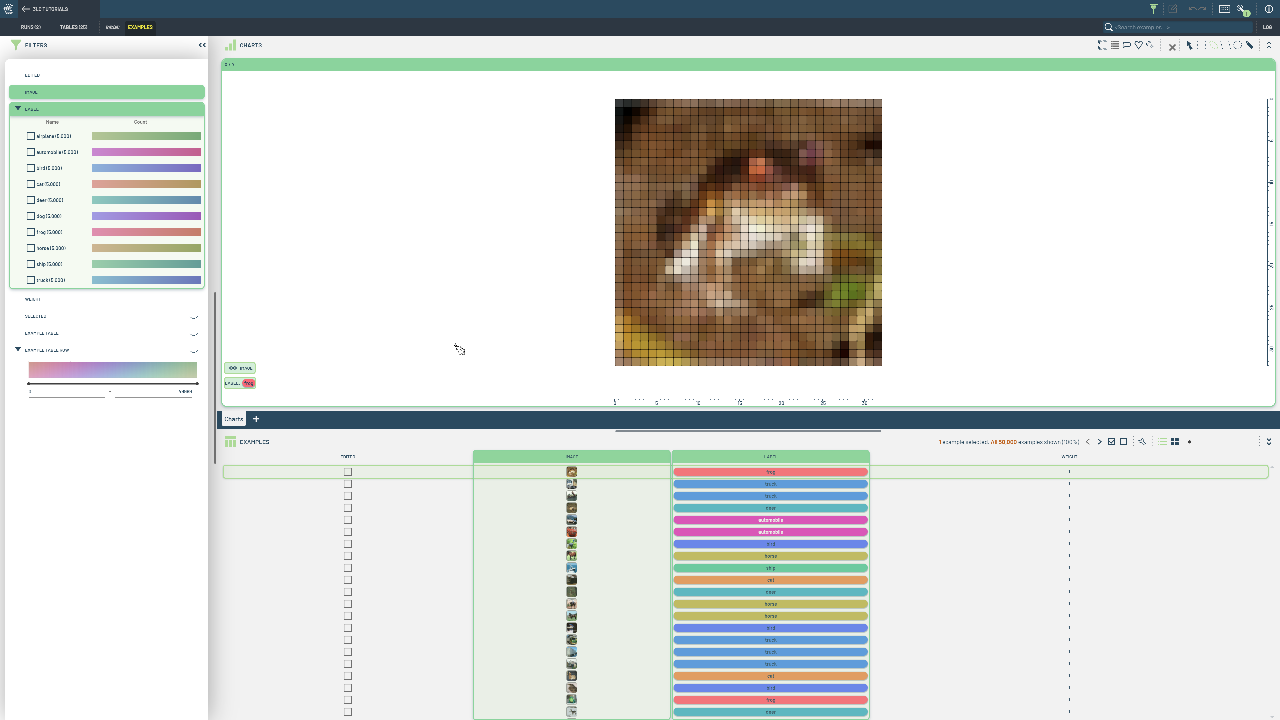
Many ML practitioners already have PyTorch datasets for their projects. Converting them to 3LC Tables allows you to leverage 3LC’s data analysis and visualization capabilities while maintaining compatibility with your existing PyTorch training pipelines.
We use tlc.Table.from_torch_dataset() to convert any map-style PyTorch Dataset to a 3LC Table. The method iterates through the dataset, converts samples to 3LC’s format, and can either infer the schema from the first sample or use a provided schema.
Note that this method requires map-style datasets (not iterable) and needs access to the dataset length. It’s not suitable for stochastic or infinite datasets since it requires a complete iteration to create the table.
Project setup
[ ]:
DOWNLOAD_PATH = "../../transient_data"  # A folder to store temporary data (zipped CIFAR images)
MAX_SAMPLES = None  # Limit the number of samples per split (None for all)
INSTALL_DEPENDENCIES = True
Install dependencies
[ ]:
if INSTALL_DEPENDENCIES:
    %pip install -q 3lc
Imports
[ ]:
import tlc
from torch.utils.data import Subset
from torchvision.datasets import CIFAR10
Create Table
[ ]:
train_dataset = CIFAR10(DOWNLOAD_PATH, train=True, download=True)
val_dataset = CIFAR10(DOWNLOAD_PATH, train=False)

cifar_classes = train_dataset.classes

if MAX_SAMPLES is not None:
    train_dataset = Subset(train_dataset, range(min(MAX_SAMPLES, len(train_dataset))))
    val_dataset = Subset(val_dataset, range(min(MAX_SAMPLES, len(val_dataset))))

# The schema describes the structure of each sample in the dataset.
# CIFAR-10 returns (image, label) tuples
schema = {
    "Image": tlc.schemas.ImageSchema(),
    "Label": tlc.schemas.CategoricalLabelSchema(classes=cifar_classes),
}

train_table = tlc.Table.from_torch_dataset(
    train_dataset,
    schema=schema,
    project_name="3LC Tutorials - CIFAR-10",
    dataset_name="CIFAR-10-train",
    table_name="initial",
    if_exists="overwrite",
)

val_table = tlc.Table.from_torch_dataset(
    val_dataset,
    schema=schema,
    project_name="3LC Tutorials - CIFAR-10",
    dataset_name="CIFAR-10-val",
    table_name="initial",
    if_exists="overwrite",
)