Create Table from YOLO Keypoints
Create a 3LC keypoints table from YOLO-format dataset with normalized keypoint coordinates for efficient pose estimation workflows.
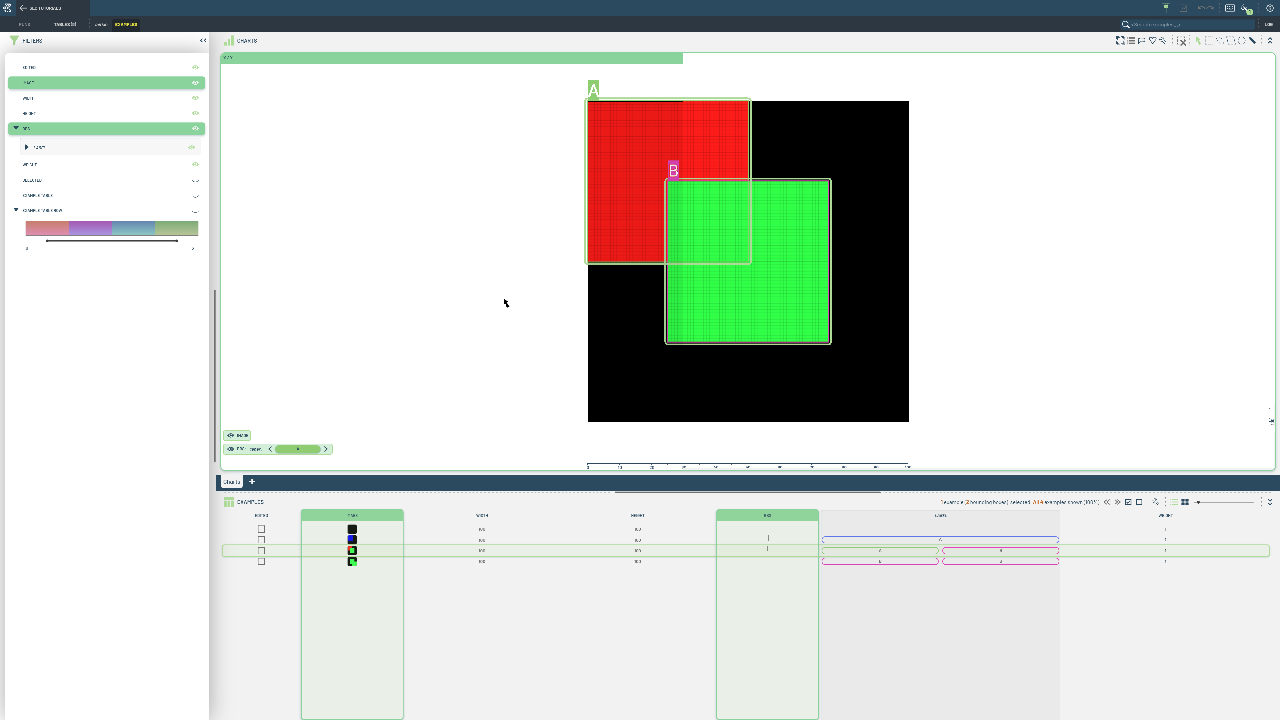
YOLO keypoints format provides a simple, efficient way to store pose estimation annotations with normalized coordinates. This format is increasingly popular for pose estimation due to its simplicity and compatibility with modern YOLO architectures.
This notebook loads a YOLO-format keypoints dataset and converts it to a 3LC Table. We process image files and corresponding text annotation files containing normalized keypoint coordinates and visibility flags for each detected pose.
Project setup
Install dependencies
[ ]:
PROJECT_NAME = "3LC Tutorials - YOLO Keypoints"
DATASET_NAME = "YOLO-Keypoints-Dataset"
TABLE_NAME = "initial-keypoints"
DATA_PATH = "../../../data"
INSTALL_DEPENDENCIES = True
[ ]:
if INSTALL_DEPENDENCIES:
    %pip install -q 3lc
Imports
Create Keypoints Table
[ ]:
images_path = (Path(DATA_PATH) / "yolo" / "datasets" / "simple" / "images").absolute()

assert images_path.exists()

train_table = tlc.Table.from_yolo_url(
    images_url=images_path,
    categories={1.0: "A", 2.0: "B", 3.0: "C"},
    project_name=PROJECT_NAME,
    dataset_name=DATASET_NAME,
    table_name=TABLE_NAME,
    task="pose",
)