Aggregate Properties
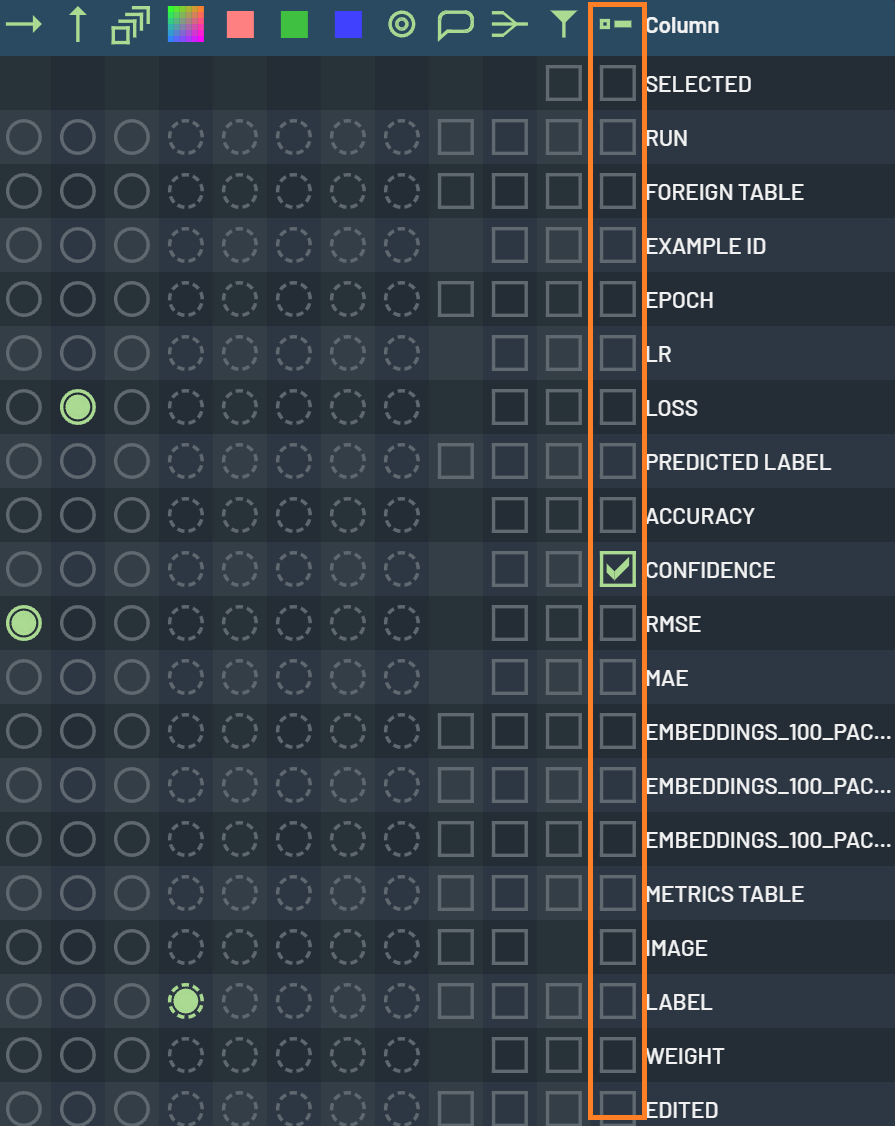
Some commonly used aggregate properties of a given numerical column can be created as pinned values on the Navigation
bar. For example, several aggregate properties - such as average, count, max, min, and sum - are available for the
Confidence column. RightClick on the column’s header, go to View aggregate values
in the popup menu, and you can toggle on any of the available properties. They will then be displayed as pinned values
on the Navigation bar. A pinned property can be removed by clicking X, which appears when hovering over it.
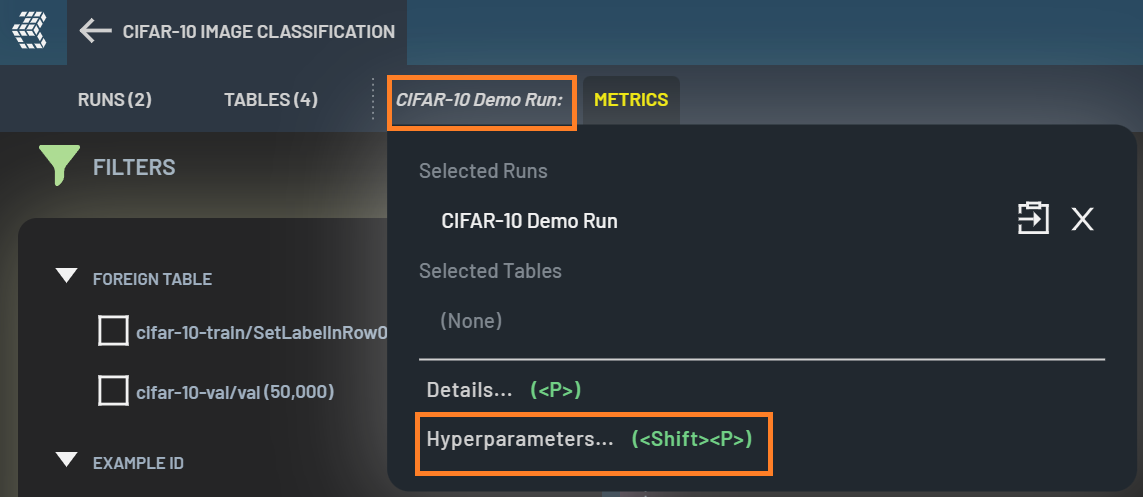
The displayed values will be re-computed on the filtered-in samples or elements when filters are applied. The total value (computed on all samples or elements) is also available in the tooltip when hovering over the pinned property.