Settings
In the Dashboard, there are many default global settings that you can modify. To bring up the global settings, click the 3LC logo on the left corner.
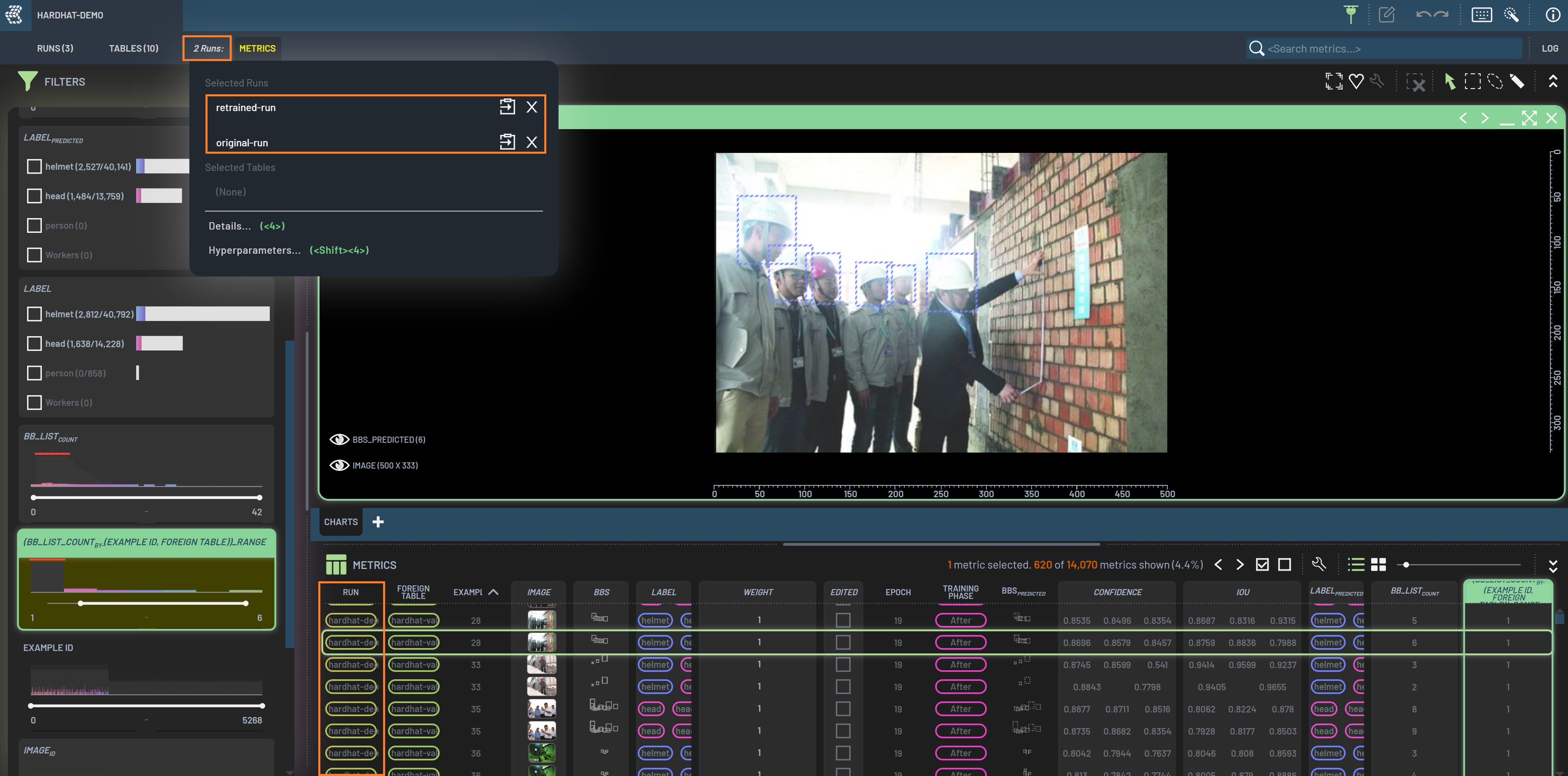
Below is the global settings dialog. For example, you can toggle Dark mode on and off in the global
settings. Some settings have keyboard shortcuts as indicated in the setting’s names. Hover over a setting to show the
tooltip. The settings dialog window can be moved by dragging the title bar. The Tooltips section sets the tooltips on
each surface (chart points, table-cell chips, instance-list rows, and partial-selection dots) to Off, Small, or
Large. See Tooltips for details.
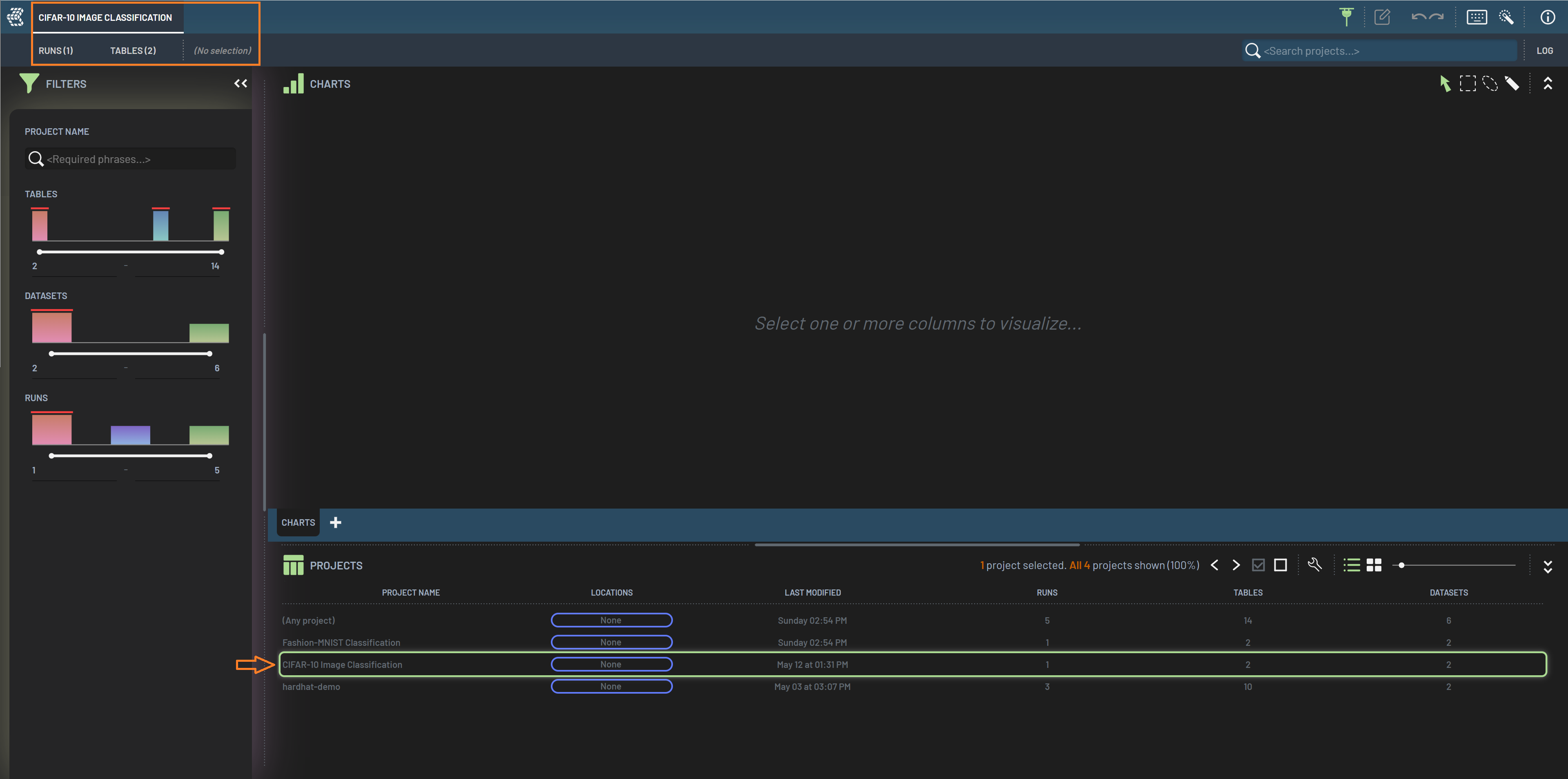
These settings are saved in the browser and will apply the next time the Dashboard is opened in that browser.