Create Table from COCO Object Detection
Create a 3LC Table from COCO-format dataset containing images with bounding box annotations for standard object detection tasks.
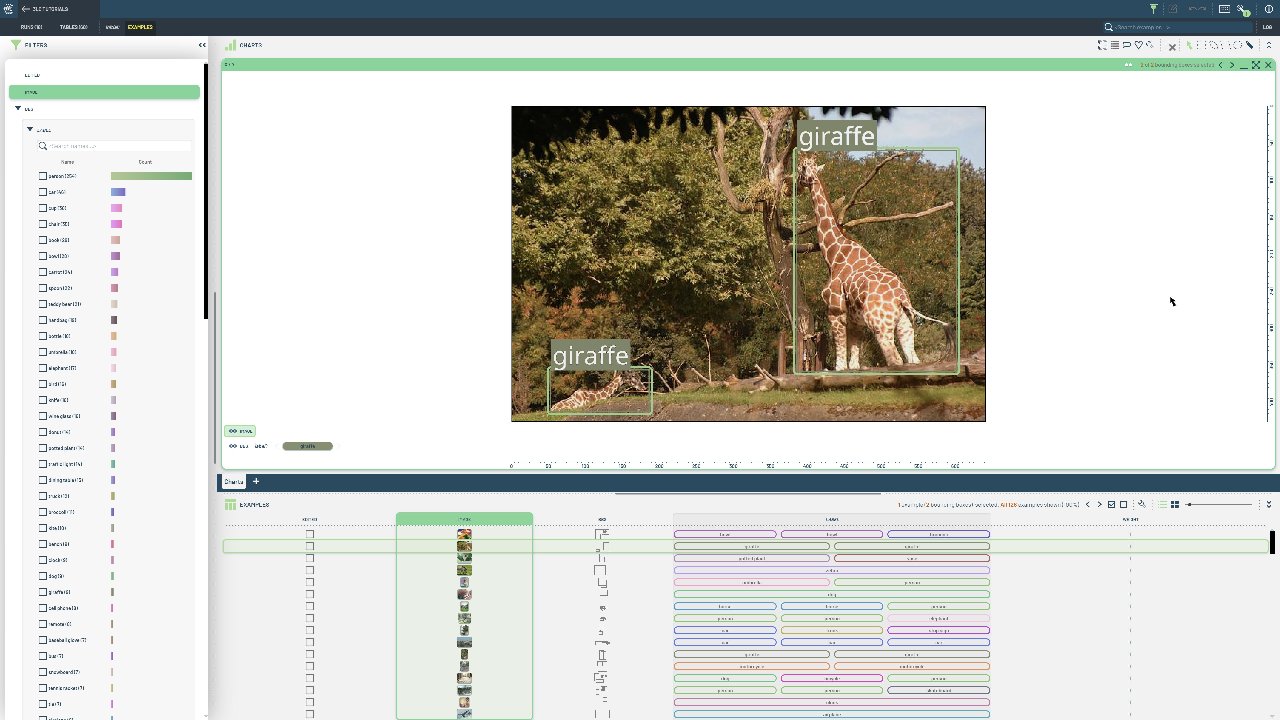
COCO is the gold standard format for object detection datasets, widely used in research and industry. It provides rich annotations with category information, making it ideal for training and evaluating detection models.
This notebook demonstrates loading a COCO-format detection dataset and converting it to a 3LC Table. The resulting table contains image and bounding box columns with properly structured annotations including class labels and coordinate information from the COCO JSON format.
Project setup
[ ]:
PROJECT_NAME = "3LC Tutorials - COCO128"
DATASET_NAME = "COCO128"
TABLE_NAME = "initial"
DATA_PATH = "../../../data"
INSTALL_DEPENDENCIES = True
Install dependencies
[ ]:
if INSTALL_DEPENDENCIES:
    %pip install -q 3lc
Imports
Create Bounding Box Table
[ ]:
[ ]:
bb_table = tlc.Table.from_coco(
    annotations_file=annotations_file,
    image_folder=image_folder,
    table_name=TABLE_NAME,
    dataset_name=DATASET_NAME,
    project_name=PROJECT_NAME,
)