Runs
A Run is a container that holds metadata and metrics generated by a single experiment. In 3LC, this is typically produced when training a model, but it could correspond to any process that produces metrics.
The metadata typically includes information like which input tables were used, aggregate output values at different stages of the run, hyperparameters, and URLs to Tables containing metrics.
When using one of the 3LC integration modules, Run-management is handled automatically, and you will not
need to interact with tlc.Run objects directly. However, when
integrating 3LC manually into e.g. your PyTorch training script, you will need to create and manage
tlc.Run objects yourself. This guide provides an overview of the
Run object and its methods.
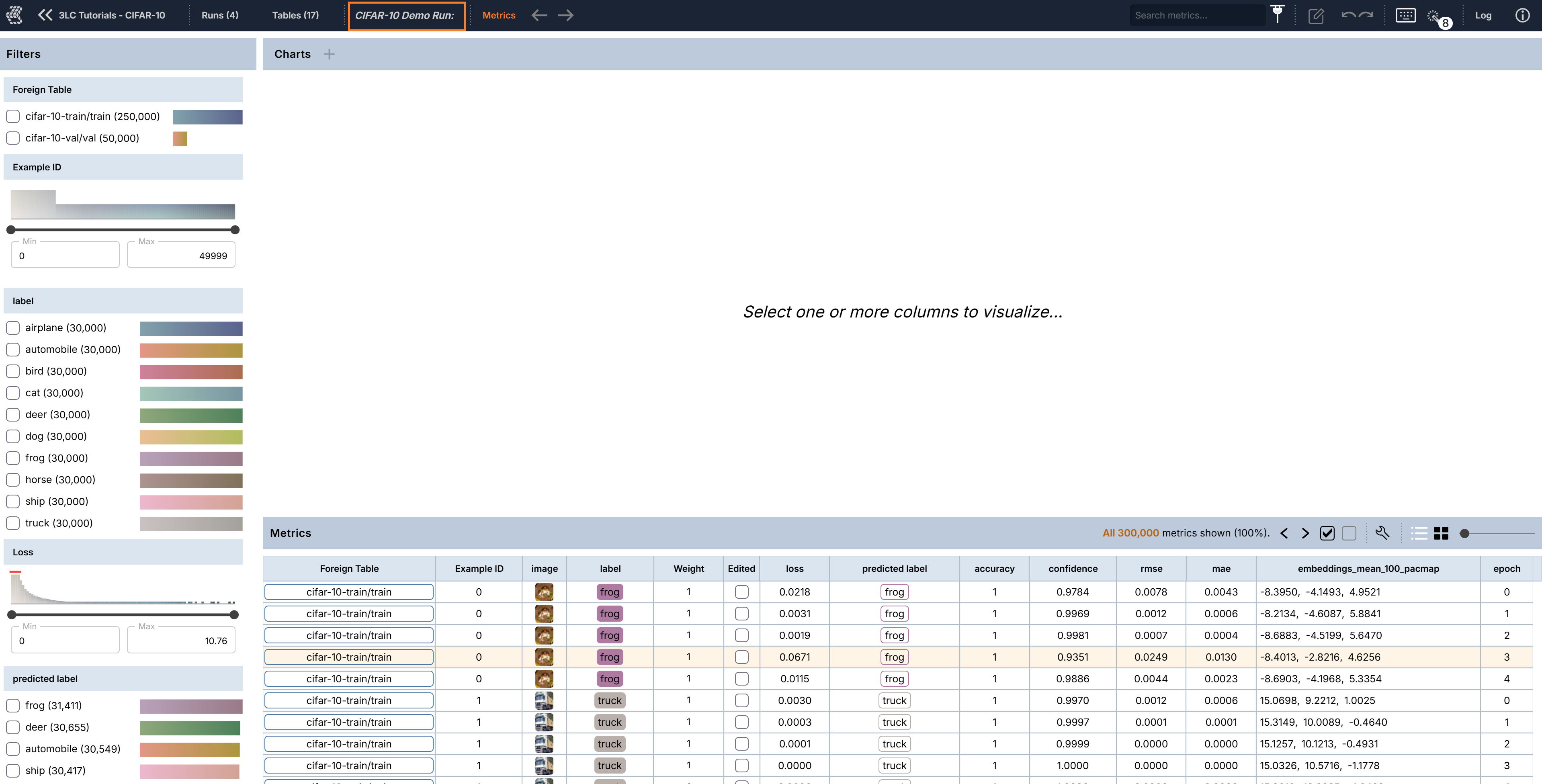
In the Dashboard, Runs are available through clicking RUNS in the upper left corner once a project has been selected. Then double click a row in the bottom panel to open a particular Run.