Create Table from YOLO Object Detection
Create a 3LC Table from YOLO-format dataset with normalized bounding box annotations for efficient object detection workflows.
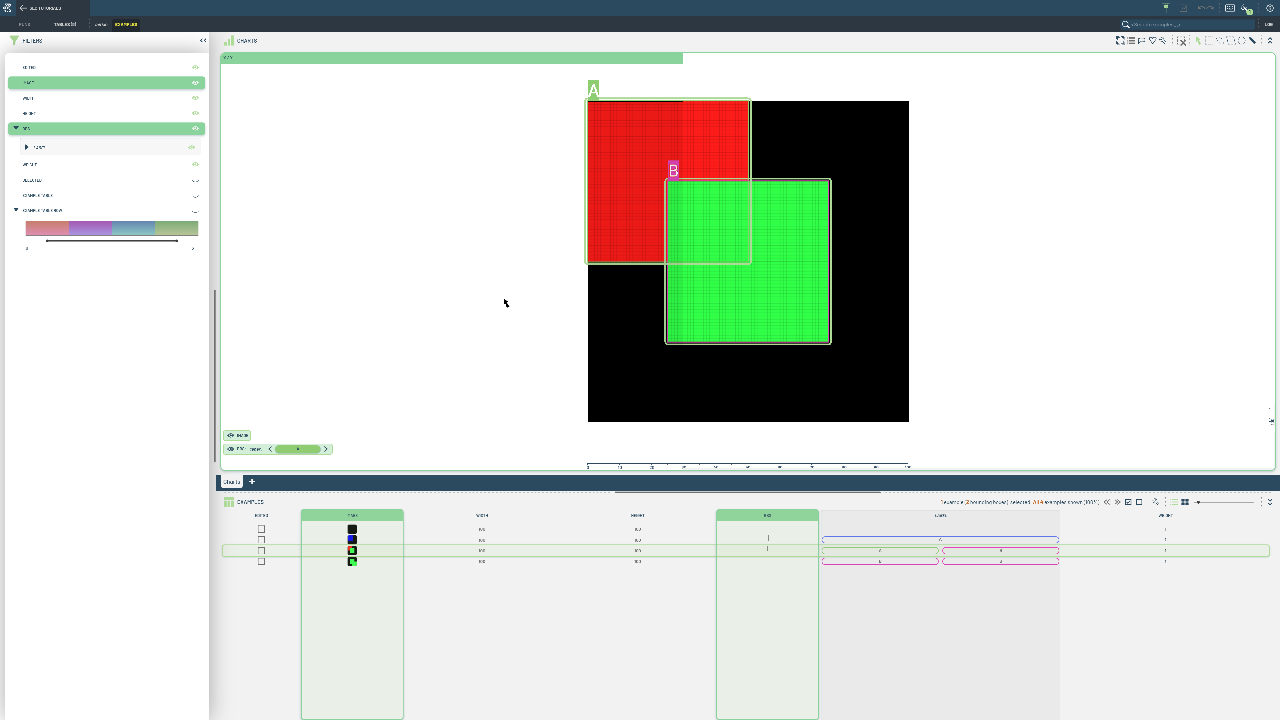
YOLO format is popular for its simplicity and efficiency in modern object detection pipelines. The normalized coordinate system and straightforward text-based annotation format make it easy to work with and integrate into training workflows.
This notebook loads a YOLO-format detection dataset and converts it to a 3LC Table. We process both image files and corresponding text annotation files containing normalized bounding box coordinates and class indices for each detected object.
Project setup
[ ]:
PROJECT_NAME = "3LC Tutorials - YOLO Detection"
DATASET_NAME = "YOLO-Detection-Dataset"
TABLE_NAME = "initial-detection"
DATA_PATH = "../../../data"
INSTALL_DEPENDENCIES = True
Install dependencies
[ ]:
if INSTALL_DEPENDENCIES:
    %pip install -q 3lc
Imports
Create Detection Table
[ ]:
images_path = (Path(DATA_PATH) / "yolo" / "datasets" / "simple" / "images").absolute()

assert images_path.exists()

train_table = tlc.Table.from_yolo_url(
    images_url=images_path,
    categories={1.0: "A", 2.0: "B", 3.0: "C"},
    project_name=PROJECT_NAME,
    dataset_name=DATASET_NAME,
    table_name=TABLE_NAME,
    task="detect",
)